Feature
Answer from your own content
Upload PDFs, paste URLs, or type text. The agent searches your knowledge base during calls and answers from your source material rather than making things up.
01 · Search
RAG-Powered Search
Documents are chunked and embedded using OpenAI text-embedding-3-small. During calls, the agent retrieves the most relevant chunks via pgvector similarity search and uses them as context.
02 · Sources
Multiple Source Types
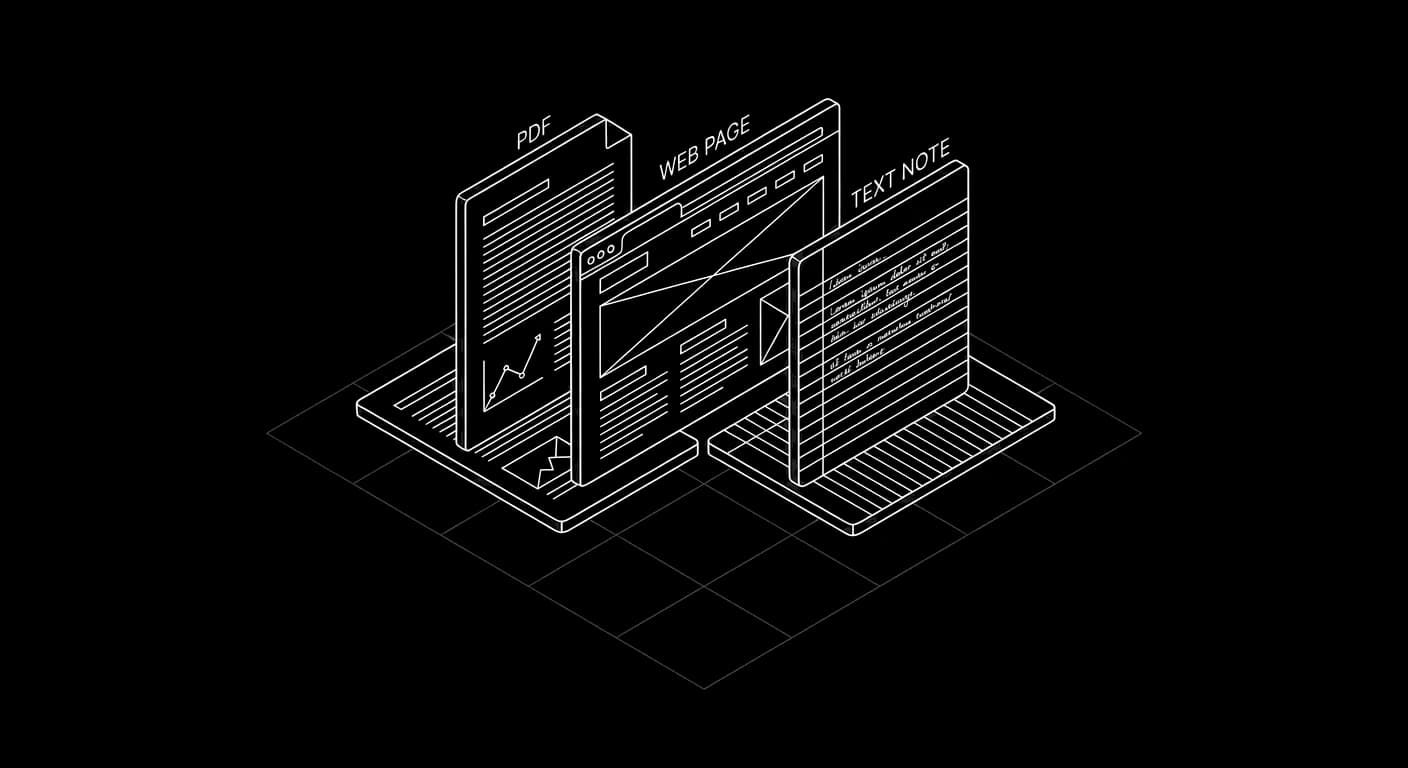
Upload PDF documents, paste website URLs for automatic crawling, or add text snippets directly. All sources are processed into searchable chunks.
03 · Grounded
Grounded Answers
The agent cites your content. If the knowledge base doesn't contain the answer, the agent says so rather than making something up.
Setup
How it works
Create a knowledge base
Go to your agent's Knowledge Base tab. Give it a name and start adding sources.
Upload content
Add PDFs, URLs, or text. Documents are automatically chunked (512 tokens, 50-token overlap) and embedded.
Add a KB Search node
Drop a Knowledge Base Search node into your flow. When the conversation reaches that point, the agent queries your content.
Test and refine
Ask questions in the flow tester. Check which chunks are being retrieved. Adjust content or add more sources as needed.
FAQ
Common questions
Each workspace gets 10 free knowledge bases. Each can hold multiple sources. There's no hard document limit; the system scales with pgvector indexing.
Knowledge base retrieval adds ~50-100ms per query. The top 5 most relevant chunks are retrieved by default (configurable).
Yes. Add or remove sources at any time. New content is chunked and embedded automatically. The agent uses the latest version on the next call.
Try Knowledge Base in under an hour
$20 free credits. No card required. Test it on a real Australian number.